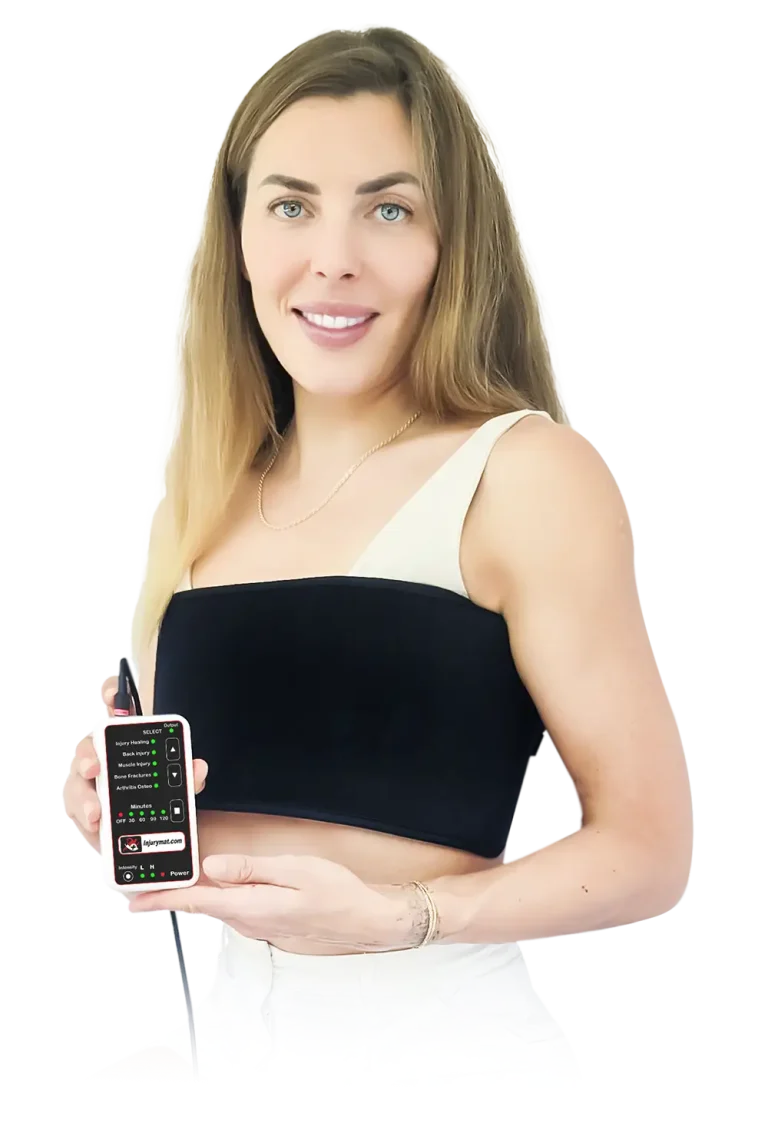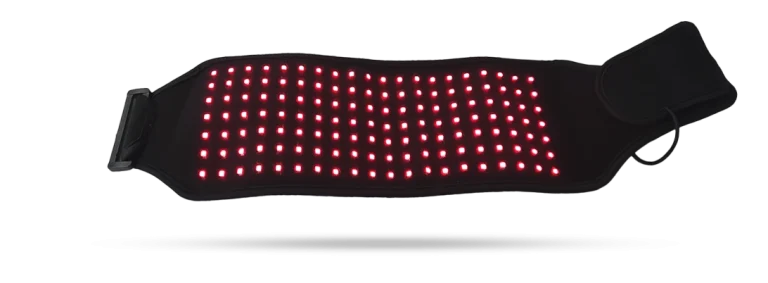
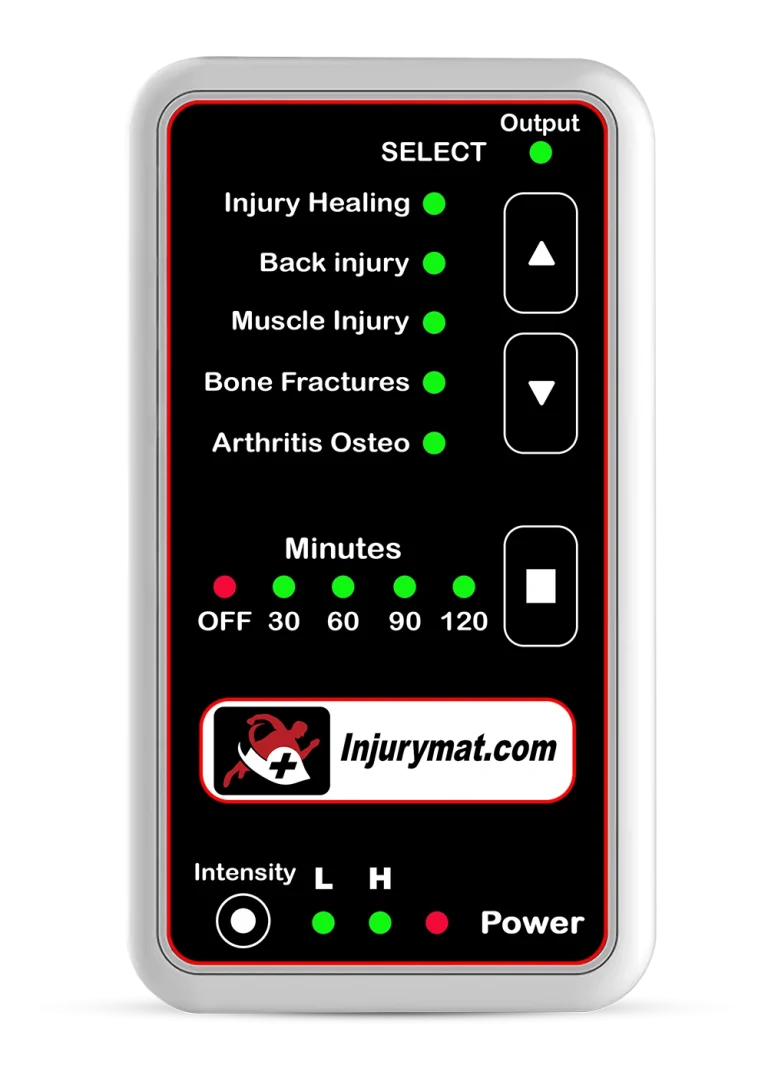
The Injurymat Infrared Therapy Device
Frequency Range
Tested 0.01 Hz – 50 MHz
Frequency Wave and Sideband
Transmits all ETDFL frequencies using multiple infrared light spectrums when connected to an RDPV4 machine. All Dr. Rife MOR carrier wave and RF frequencies are reproduced through the Positive and Grounded areas of the device with +99%† efficiency.
Brightness Settings when Using the Injurymat Device with the Injurymat Controller
Set the Injurymat Controller to the LOW illumination level to start treatment. Gradually increase to HIGH for enhanced recovery protocols. Ensure that the targeted area is exposed while using the Injurymat device, as the multiple infrared frequencies need direct contact to be effective. If the light feels too intense, switch back to the LOW setting.
Brightness Settings when Using the Injurymat Device with the RDPV4 Controller
Configure the RDPV4 to a voltage level of 12.5 V DC if the illumination level is too intense. The lowest setting is 12.5 V DC, with a middle setting at 14.5 V, and a maximum default setting of 17.5 V, recommended for injury treatments. Ensure direct contact with the treatment area, as the multiple infrared frequencies need to penetrate effectively. If discomfort is felt, reduce to the LOW setting.
Clinic Use and Cleaning
For multi-user or clinic settings, clean the device surface after each use with a cloth. Avoid using alcohol directly on the surface. Do not machine wash the device, as this will damage the electronics.
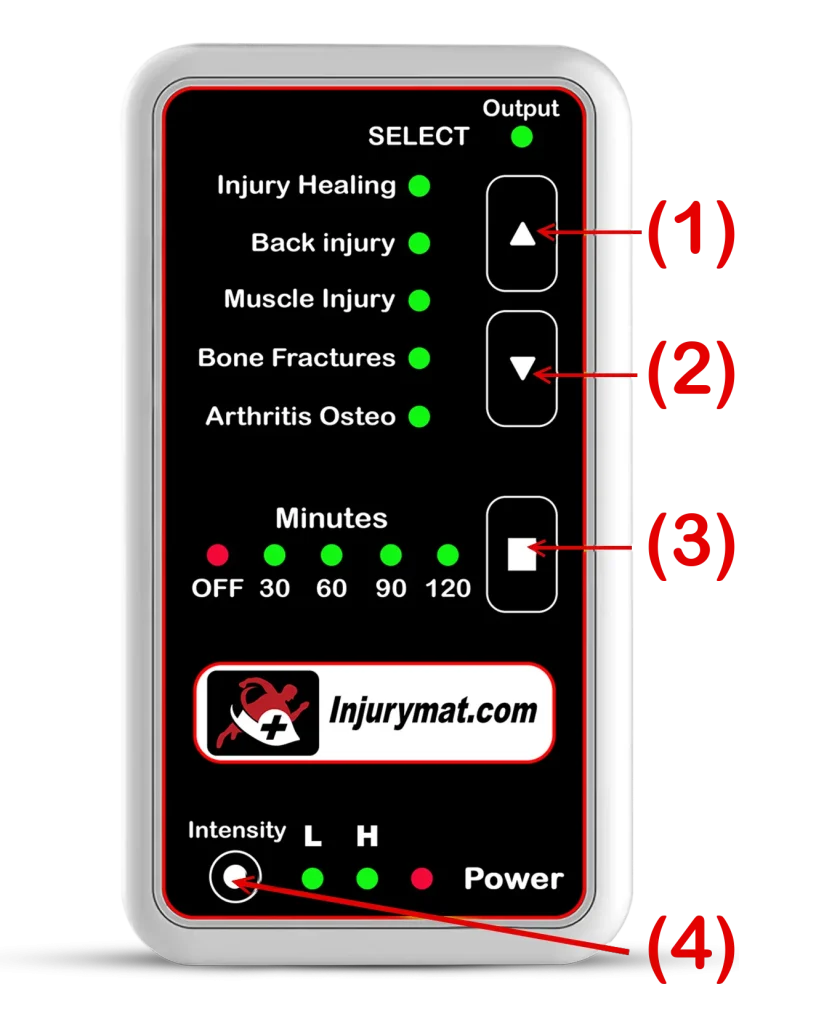
(1) BUTTON 1: UP
Use the UP arrow to navigate through Injury Categories 1-5.
(2) BUTTON 2: DOWN
Use the DOWN arrow to navigate through Injury Categories 1-5.
(3) BUTTON 3: TIME ADJUSTMENT
Use to switch treatment time from OFF = No Output to Device: 30 Min, 60 Min, 90 Min, 120 Min
(4) BUTTON 4: POWER INTENSITY
L = Low Power Infrared output
H = High Power Infrared output
 Output LED ON: The Controller is sending frequency signal output to the Injurymat Infrared Therapy Mat.
 Power LED ON: The Controller is connected to Power Source (Power Adapter)
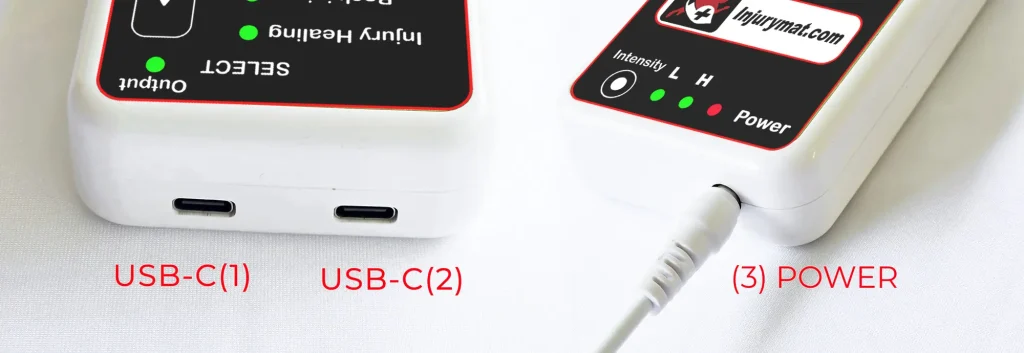
* CONTROLLER PORT SIDE VIEW
(1) USB Port for one Injurymat Infrared Therapy Mat
(2) USB Port for a second Injurymat Infrared Therapy Mat
(3) POWER PORT (Power Input)
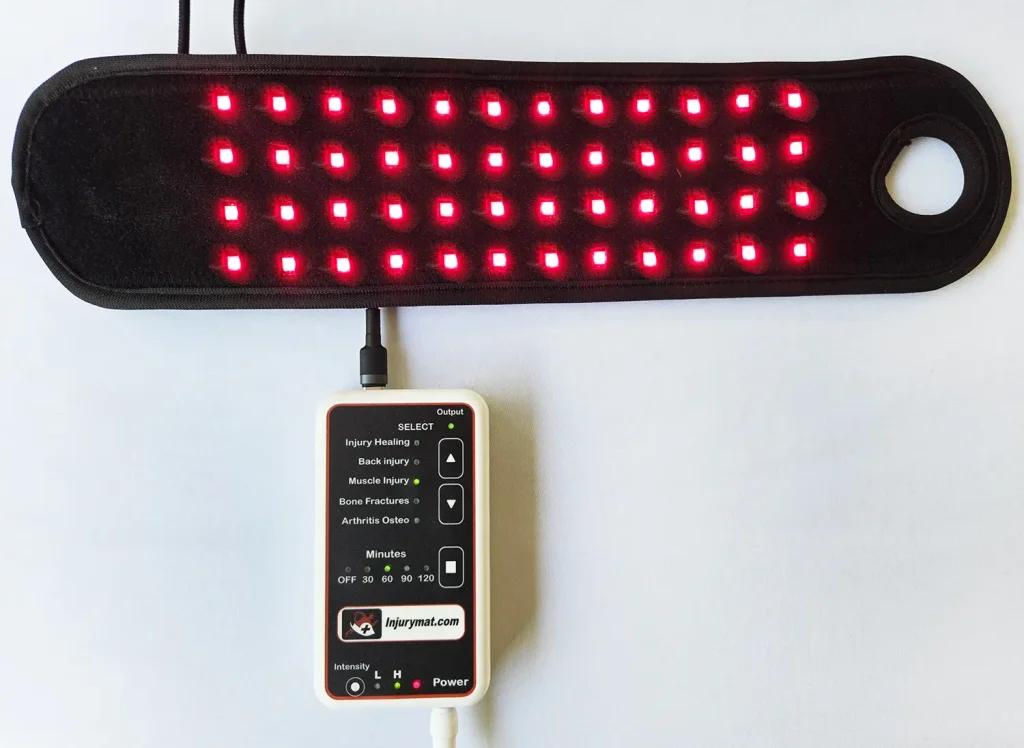
Injurymat Device

USB-C
A question about your Injurymat?
Our team is here to help with your device and setup.